

Enjoy millions of the latest Android apps, games, music, movies, TV, books, magazines & more. Anytime, anywhere, across your devices.
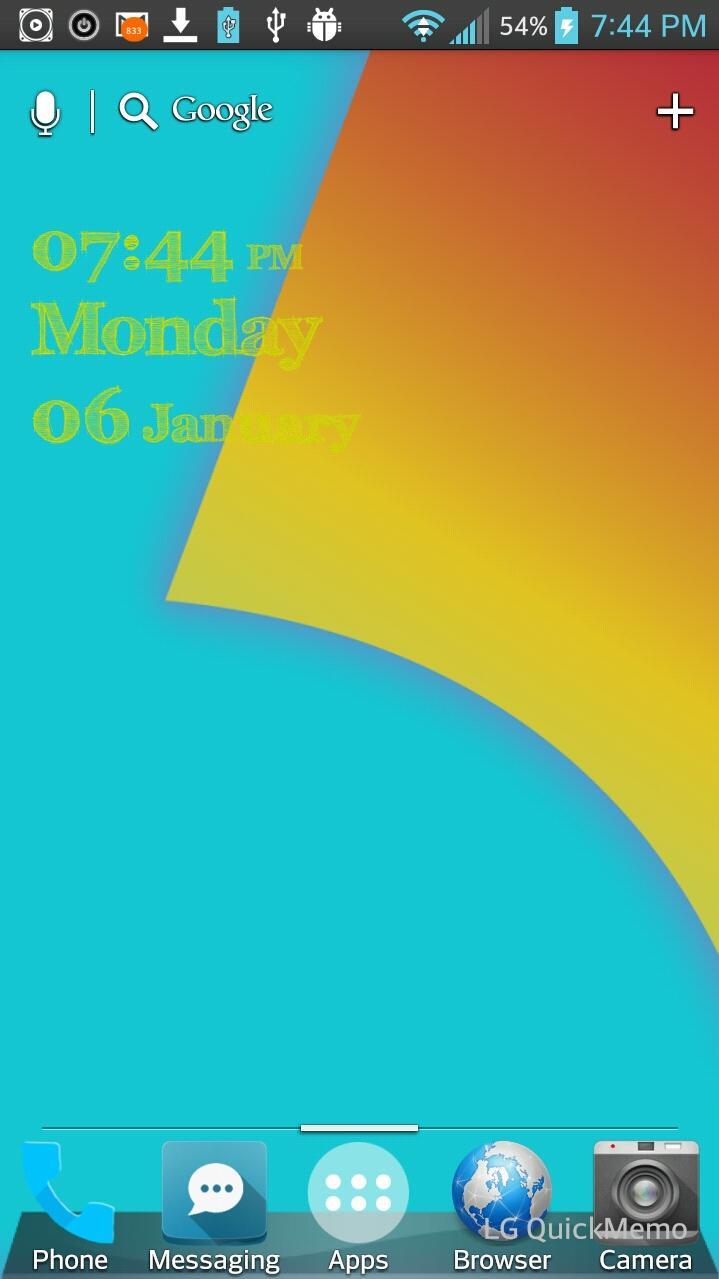
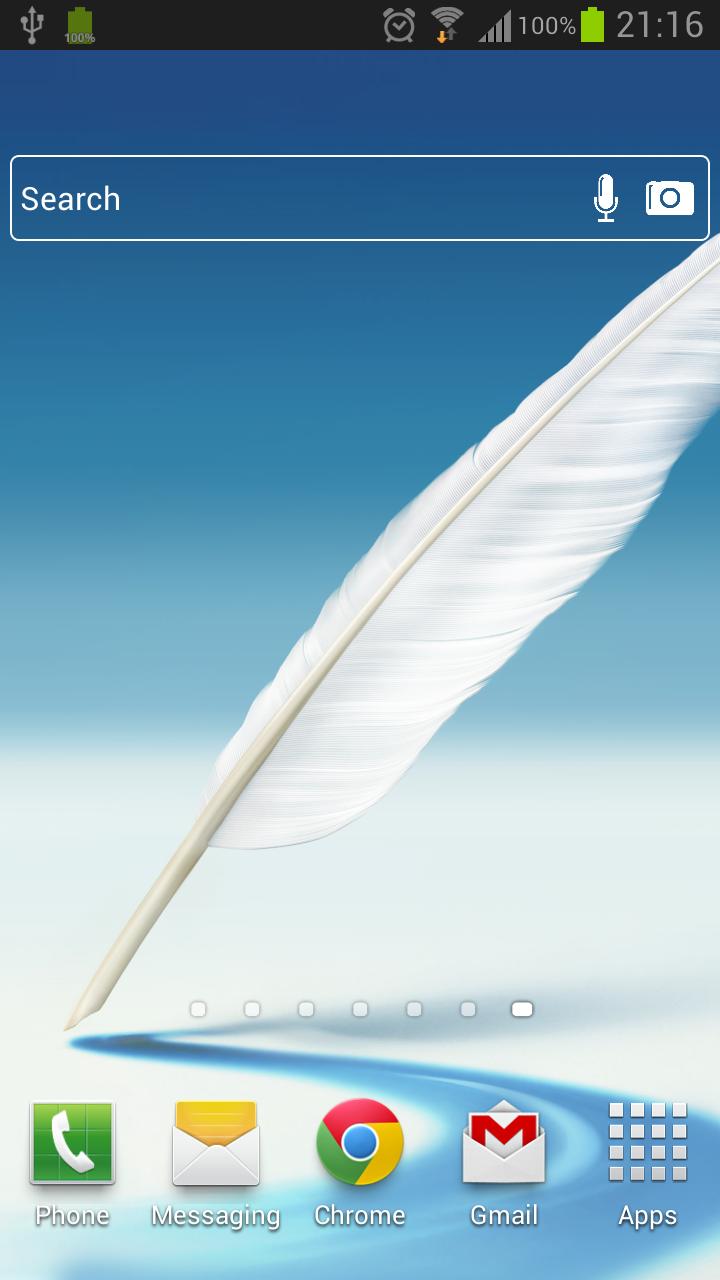
*~Optimus Prime Theme for the LG UI 3.0. Only LG phones will be able to apply this theme after install~*
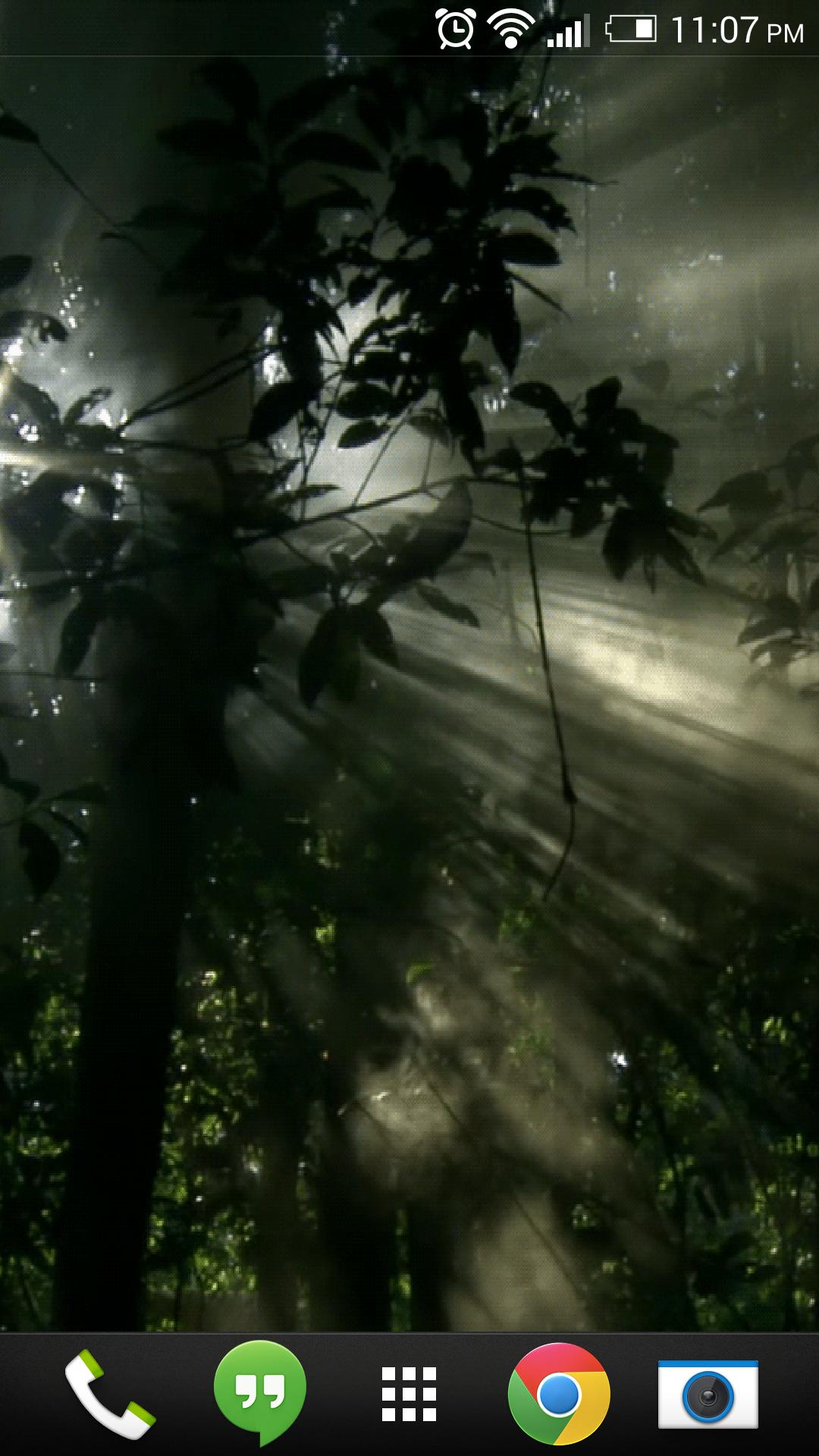
Beautiful Icons, Color Scheme changes (blue) in App Drawer and Edit Menu
How to use theme:
1. Install app from app store
2. On your LG Phone go to your settings, then click on Theme. Choose Optimus Prime Theme then apply it.
Keywords: Kitkat, Jelly Bean, LGhome3, LGHome, LG, LGG2, Optimus, LG Home, Theme, Optimus G, LG G2, LG HOME, LGHOME, LGTHEME










 Download(781.86KB)